
TalkIt platform overview
Learn how TalkIt connects customer channels, AI agents, and workspace data.
On this page
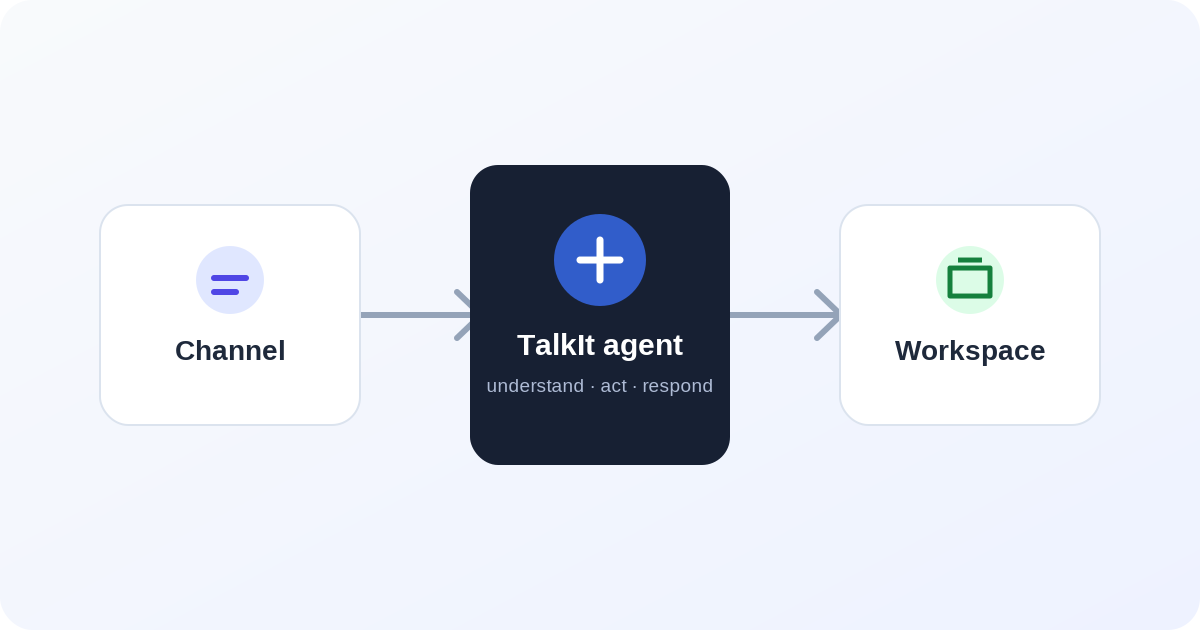
TalkIt connects customer conversations with AI agents that can follow instructions, use permitted workspace data, and hand work to people when needed.
Start safely
Configure and review a new agent in a test workspace before connecting it to a production customer channel.
How a conversation moves through TalkIt
- A customer starts a conversation in a configured channel.
- TalkIt routes the conversation to the selected agent.
- The agent applies its instructions and uses only the data and actions it is allowed to access.
- The agent responds or escalates when the request is outside its permitted scope.
Core building blocks
Channels
Channels are the customer entry points connected to TalkIt, such as Web Chat or a configured messaging channel. Test channel-specific welcome messages, templates, and escalation behavior before launch.
Agents
An agent combines a clear purpose, operating instructions, and explicit permissions. Keep its scope narrow enough that expected behavior can be tested and reviewed.
Workspace data and actions
Workspace access lets an agent use the business context and actions needed for its task. Grant only what the agent needs, and verify write actions in a test flow.
What to configure first
- the outcome the agent should produce
- the information and actions it may use
- the situations it must escalate
- the test channel used for review
Next step
Continue with Create your first agent to configure a small agent and prepare its first test conversation.