

Choose how you view tasks
Choose a board, list or calendar. Assign an owner, complete tasks and follow your team’s progress.
AI agents · CRM · Automation
AI handles enquiries, CRM keeps deals and conversations, and your team manages tasks. All connected in one workspace.
Bring the modules into one system.
Companies & ecosystem





01 / THE PLATFORM
Follow a customer request, or explore CRM, tasks and chat yourself.
Find the request, assign an owner and prepare a reply.
Hello! Can we move the installation to Friday?
Continue with the button below or select any step above.
02 / IMPLEMENTATION
We’ll choose a process, connect the data and set up a pilot. Your team can review the results before expanding.
Talk to usReview how work happens today and agree on how to evaluate the pilot.
Connect the data and channels. Define what AI handles and what stays with your team.
Try routine and complex requests, then gather feedback from your team.
Train your team and add more tasks when they’re ready.
Set data access, permitted actions and when to hand off to your team.
03 / JOURNAL
Practical examples of agent setup, CRM workflows and AI pilots.
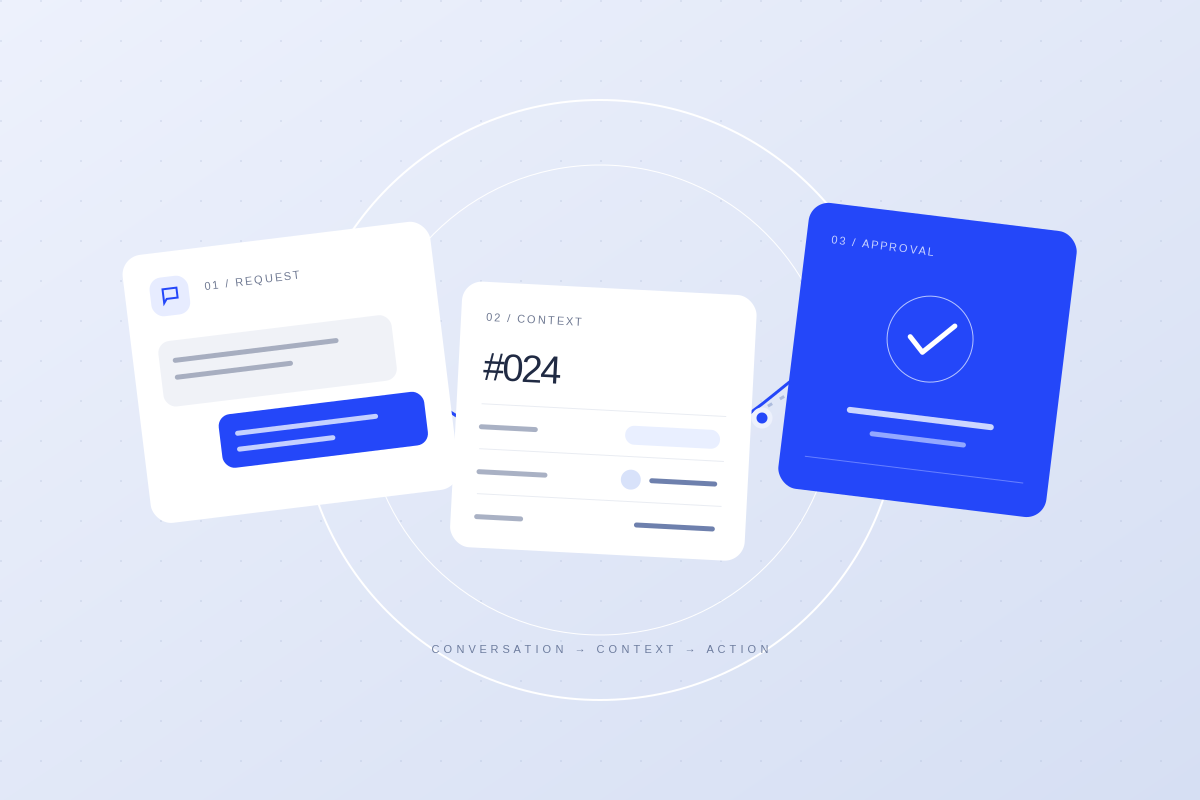
An installation example: AI collects the details, a team member confirms the time and CRM saves the result.
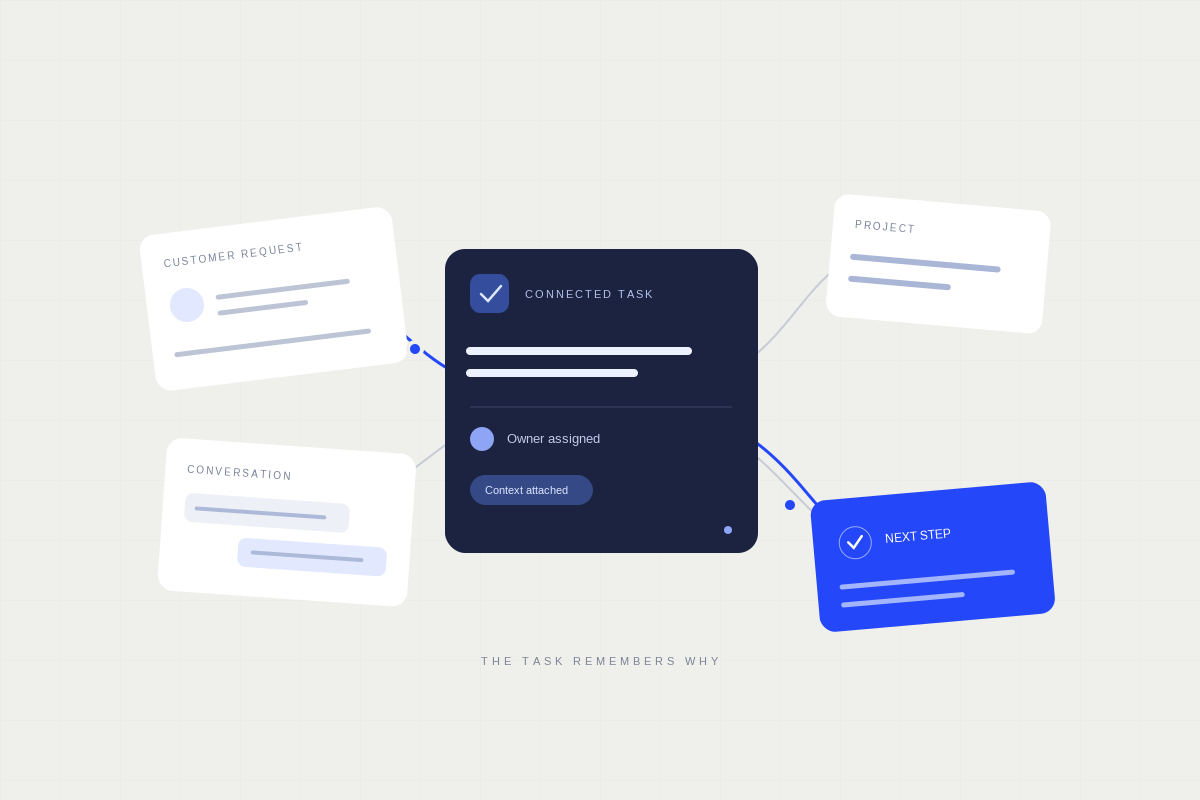
Customer request, source, owner and deadline: the details your team needs to act.
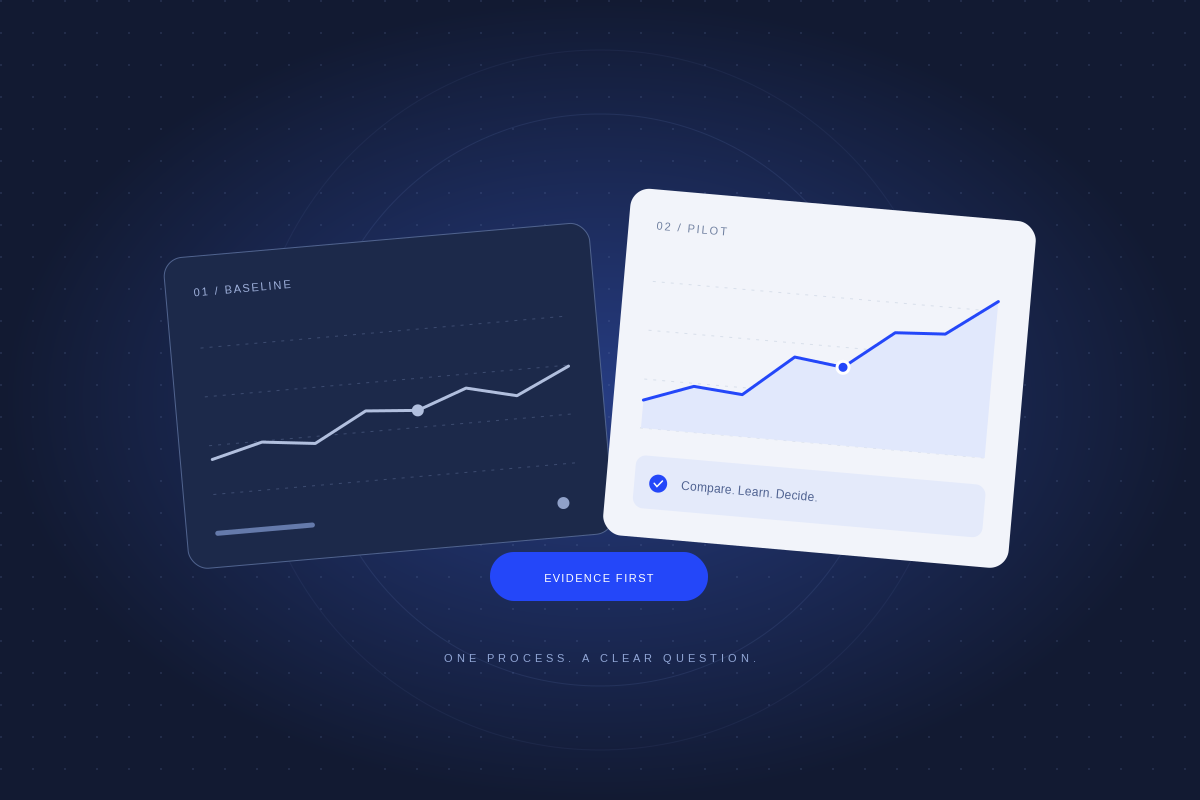
Choose a process, test challenging requests and compare results with and without AI.
04 / USE CASES
 Customer serviceConcept illustration
Collect calls and messages, assign an owner and track the reply to each guest.
 Digital assistantConcept illustration
Answer tourist questions in different languages and help visitors find travel information.
 Daily operationsConcept illustration
Connect guest messages with sales and screening preparation.
05 / LEARNING & SUPPORT
Common questions
Choose one process, such as incoming enquiries. We’ll review the data needed, set up a pilot and agree on how to measure the results.
Find your starting point
Tell us which enquiries and tasks take up your team’s time. We’ll suggest where to start automating.