
“Could we move the installation to Friday?”
A customer opens the chat on the way to work. They need a new installation date, not an explanation of the company’s internal systems. Behind that short question are a schedule, an agreed order and someone with the authority to approve a change.
Consider this illustrative scenario for a service team. The company and conversation are fictional; the sequence can become a brief for a TalkIT demonstration. An AI agent gathers context, an employee makes the decision, and the agreed change moves the work forward.
Scene 1. Understand what needs to change
The agent clarifies which installation the customer means and which Friday time window would suit them. It needs enough context to identify the request and understand the change. A useful reply would be: “You would like to move an existing installation. What time would work for you? I’ll pass the request to the coordinator.”
The platform overview describes the underlying principle: an agent follows instructions and uses permitted workspace data and actions. For this scenario, the team defines what the agent may read and which details it should ask for. Being able to read a schedule and being allowed to change it are separate permissions.
Scene 2. Prepare a request someone can act on
Before handing over, prepare a short working record. In our example it could read:
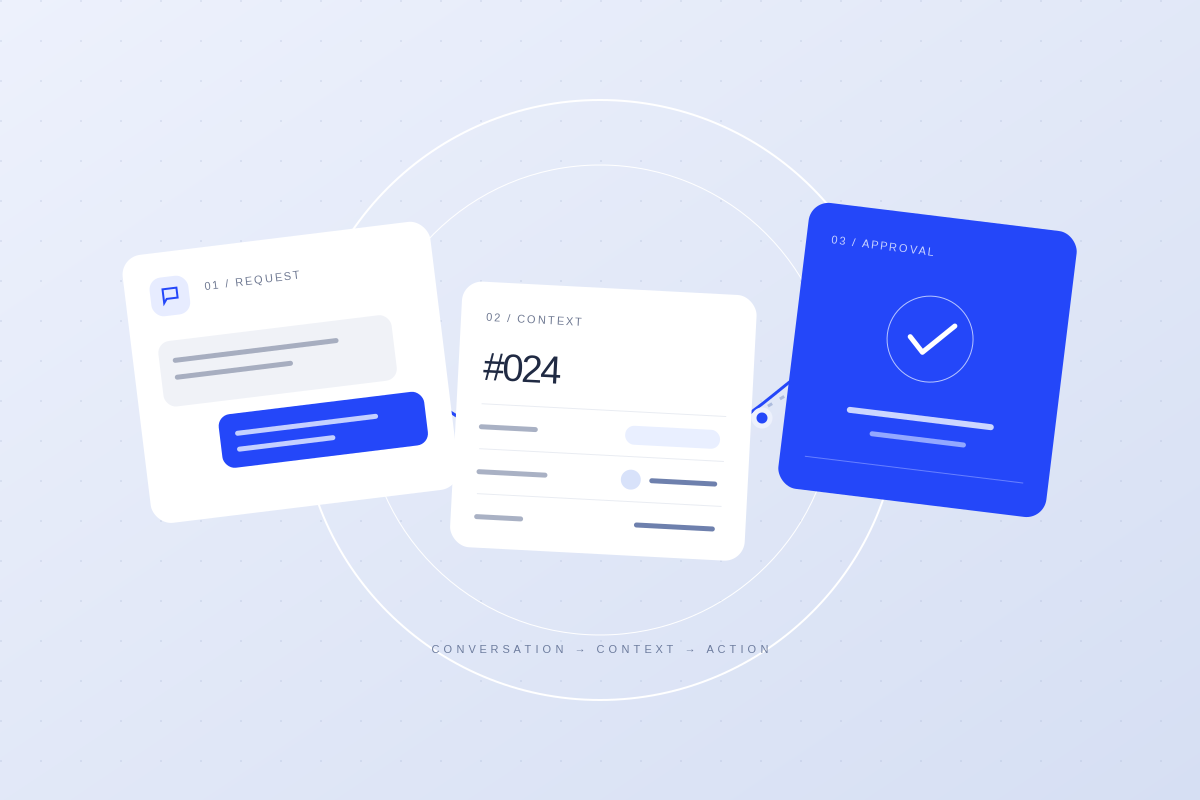
Request: move the installation to Friday afternoon. Source: the customer’s message in this conversation. Known: the order was found and has an agreed date. Decision needed: whether a crew is available. Next response: the coordinator will confirm an available time in chat.
This is an example of useful content, not a built-in TalkIT form. Its fields and connection to a CRM record need to be configured around the team’s process. A concise summary helps an employee get started; access to the original conversation lets them check the details and the customer’s exact wording.
Scene 3. Give the decision an owner
The coordinator checks the schedule and chooses an available window. This is when a confirmed commitment becomes possible. Before that point, the customer can be told that their request is being reviewed. Friday should not yet be promised.
Agree on how an employee accepts the request and who takes over if the coordinator is unavailable. A handoff is complete when the work has an owner and a next step. “We have passed on your question” does not establish either on its own.
Scene 4. Turn the decision into an action
An agreed record change can become an event for TalkIT Flow. For example, after a date is confirmed, the intended workflow could update the operational task and prepare a notification. The team checks the available actions and connected systems during the demonstration, then configures the sequence it needs.
Keep three states distinct: a change is prepared, the system has accepted it, and the customer has received confirmation. If an integration does not respond, the owner should be able to identify the last successful step. A retry should not silently create a second installation; duplicate handling needs its own explicit check.
Scene 5. Return to the customer
In the example, the final message is: “Your installation has moved to Friday, 14:00–16:00. If your plans change, reply in this chat.” It is sent after the change has been confirmed. If Friday is unavailable, the response offers an available alternative and a clear next step.
The story is complete when the customer understands the outcome and the team sees the same commitment in its work. Useful automation preserves that connection through staff changes, follow-up messages and integration failures.
Walk through the whole story
- Show which details the agent received and what it asked the customer to clarify.
- Open the request as the employee: can they see the request, its source and the handoff reason?
- Find the moment when a decision became a confirmed record change.
- Repeat the event and temporarily disconnect the integration: where does work stop, and who can see it?
- Compare the final customer message with the actual record state.
Continue with the complete request workflow. Use the first-agent tutorial to prepare your initial experiment and the pilot plan to define how you will judge its outcome.