
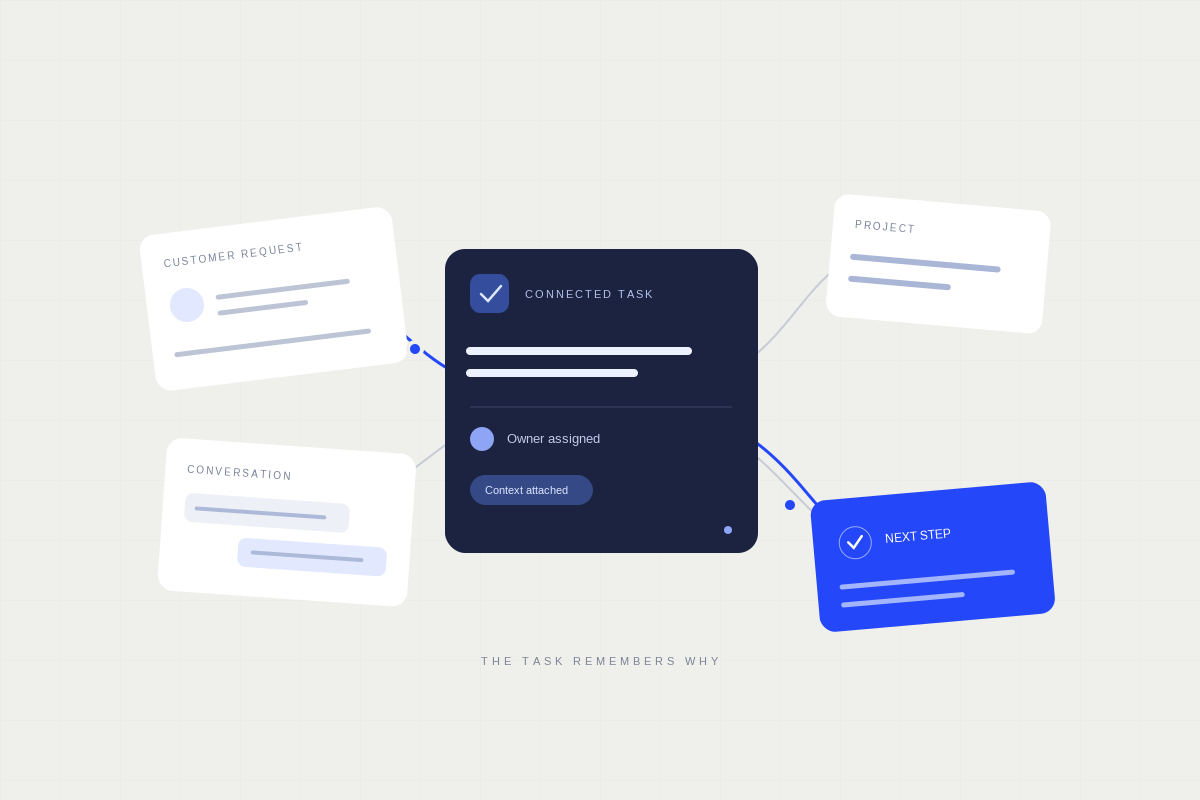
Two words hiding an entire project
“Prepare launch” is the task someone creates immediately after a customer call. The next day, a designer asks for materials, an integration specialist asks for access and the account manager asks for a date. Everyone is busy. The meaning of the agreement remains with the person who spoke to the customer.
Consider an illustrative project: a team is preparing web chat for a new customer website. The project is fictional, and the task names and states below are a suggested working template. It shows what context should travel from a request into TalkIT projects and tasks.
A brief that lets someone start
A useful task lets the next person act without another meeting. Six elements are enough for this example:
- Outcome. A test visitor can start a conversation and receive a response that follows the agreed instruction.
- Source. The original request, agreed scope and relevant customer materials.
- Owner. One employee owns the next step, even when several specialists contribute.
- Dependency. Testing needs a test website, an agent and a configured connection.
- Timing. The review date with the customer, plus the conditions under which it needs to change.
- Acceptance. Who will accept the result and which scenario they will use to check it.
This brief keeps the customer request from becoming a reconstruction from memory. A short description explains the goal; its connection to the original request preserves why decisions were made. The CRM overview describes how customer and request records fit together.
Divide the work into outcomes
Instead of five tasks called “discuss,” define three verifiable results: an agreed agent instruction, an available test channel and a completed conversation check. Give each result an owner. The final check depends on the first two; it cannot be completed before the connection and instruction are ready.
Make that dependency visible where the team plans its work. If the instruction is ready but the connection is delayed, a general “in progress” label explains very little. “Waiting for access to the test website” identifies an obstacle someone can help remove.
Connection details belong in the web-chat guide. The task records the expected outcome and links to the guide. It does not need a second copy of the entire technical document.
Four states of one agreement
For this project, the team could agree on the following sequence:
- Clarifying. Something needed to begin is missing. Record which answer is needed and from whom.
- Ready to work. Scope is agreed, inputs are available and an owner is assigned.
- Checking the result. The work is prepared and is being reviewed against acceptance conditions.
- Accepted. The check passed and the relevant participants have been told the outcome.
This is a process example, not a required set of platform statuses. The important point is that each transition represents an understandable event. If “done” means “the code is written” to a developer and “the chat works on the website” to a customer, the team needs two separate steps.
When the customer changes the request
Halfway through the project, the customer asks to add voice. Do not hide this request in a comment on the original task. Clarify the intended outcome, check the additional scope and dependencies, then agree on the timing. The SDK documentation describes text chat and voice calls as separate clients, which gives the team a concrete reason to verify the additional scenario separately.
The original task should retain the outcome that was already agreed. The new request might become a related task or a change to the project scope. The right choice depends on the team’s process; preserving its connection to the conversation will help future participants understand why the plan changed.
A five-minute handoff check
Open the task with someone who was not in the customer conversation. Ask them to explain:
- what needs to happen and why the customer needs it;
- which materials are available and what is missing;
- who owns the immediate next step;
- what could block the work;
- how the team will decide whether the result is ready.
If those answers still live in private messages, add the missing context. Then discuss automating repeatable steps with Flow: which transition should continue the process, and which action needs an employee’s decision. The automation will have a clear piece of work to support.